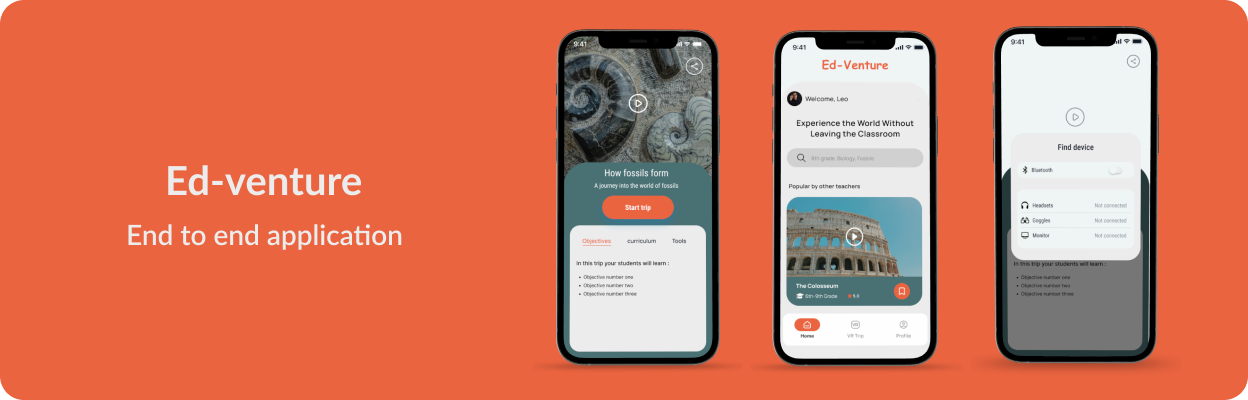
Designing a mobile app that brings immersive VR field trips into the classroom, making experiential learning accessible and affordable for every school.
Project type
Design Concept
Focus
EdTech · Mobile · VR
Role
End-to-end Design
Duration
3 weeks
Tools
Figma
Traditional field trips are expensive, logistically heavy, and time-limited. A single museum visit can cost a school hundreds in transport and supervision. Meanwhile, VR technology has matured enough to deliver genuinely immersive experiences, but existing educational VR tools are designed for students, not for the teachers who plan and manage classroom activities.
Ed-Venture explores how a teacher-centered mobile app could bring immersive VR field trips into any classroom, making experiential learning accessible regardless of school budget, location, or class size. The design focuses on giving teachers control over trip selection, curriculum alignment, and classroom management.
I started with secondary research across educator forums, teaching communities, and published studies on field trip logistics. Three recurring frustrations emerged consistently:
Cost & Logistics
Transport, venue fees, and insurance make field trips prohibitively expensive for many schools, especially those in underserved areas.
Time Constraints
Planning a single field trip takes weeks of coordination. Teachers lose instruction time to travel and queuing rather than learning.
Safety & Supervision
Managing 25+ students in unfamiliar environments creates constant anxiety. One-to-many supervision ratios limit exploration.
What teachers said
I then analyzed four competitors: Cyark, VirtualFieldTrips, VRLabAcademy, and ClassVR, to understand the current landscape. The gap was clear: none offered a teacher-centric mobile workflow for browsing, previewing, and launching VR experiences tied to curriculum standards.
Strengths
Weaknesses
Special feature
Strengths
Weaknesses
Special feature
Strengths
Weaknesses
Special feature
Strengths
Weaknesses
Special feature
How might we...
“How might we empower teachers to bring immersive, curriculum-aligned field trip experiences into their classrooms without the cost, logistics, and safety concerns of traditional trips?”
Based on research findings, I created a primary persona: Sara, a 32-year-old middle school science teacher who wants to give her students hands-on learning experiences but struggles with tight budgets and limited field trip slots. She's comfortable with technology but has no VR experience.
Sara has been a teacher for 8 years and currently teaches 8th-grade science at a public school in a suburban area. She is passionate about her job and enjoys making science come alive for her students. She values hands-on learning and wants to give her students as many opportunities as possible to experience science in real life.
I used a card sorting exercise to define the information architecture, testing how teachers naturally group features like trip browsing, class management, and curriculum tagging. The results informed a clear navigation model.
| Feature | Home Page | Learning Resources | Planner | Profile | Field Trip | Unsorted |
|---|---|---|---|---|---|---|
| Welcome message | 90% | 10% | ||||
| Search bar and Filter | 80% | 10% | 10% | |||
| Settings | 70% | 30% | ||||
| Log in / sign up | 50% | 50% | ||||
| Progress tracker | 30% | 10% | 20% | 10% | 20% | 10% |
| Videos | 20% | 70% | 10% | |||
| Quiz | 40% | 60% | ||||
| Lesson Plan Templates | 50% | 40% | 10% | |||
| Interactive activities | 40% | 20% | 10% | 30% | ||
| Interactive elements | 10% | 40% | 10% | 40% | ||
| Worksheets | 10% | 40% | 10% | 40% | ||
| Lesson plans | 10% | 90% | ||||
| Create lesson plan | 20% | 80% | ||||
| Edit lesson plan | 10% | 80% | 10% | |||
| Created lesson plans | 10% | 20% | 70% | |||
| Share lesson plan | 10% | 20% | 60% | 10% | ||
| View lesson plan | 10% | 30% | 60% | |||
| Classroom Management | 10% | 10% | 50% | 20% | 10% | |
| Print lesson plan | 10% | 30% | 50% | 10% | ||
| Scheduling and Booking | 10% | 20% | 50% | 20% | ||
| Personal information | 100% | |||||
| User-generated Reviews | 10% | 10% | 60% | 20% | ||
| Description | 20% | 30% | 40% | 10% | ||
| Popular trips | 10% | 90% | ||||
| Featured trips | 10% | 10% | 80% | |||
| Trip History | 10% | 10% | 80% | |||
| Saved trips | 20% | 10% | 70% | |||
| Destination | 10% | 20% | 10% | 40% | 20% | |
| Itinerary | 30% | 20% | 50% |
Card sorting results — percentage of participants who placed each feature in a given category
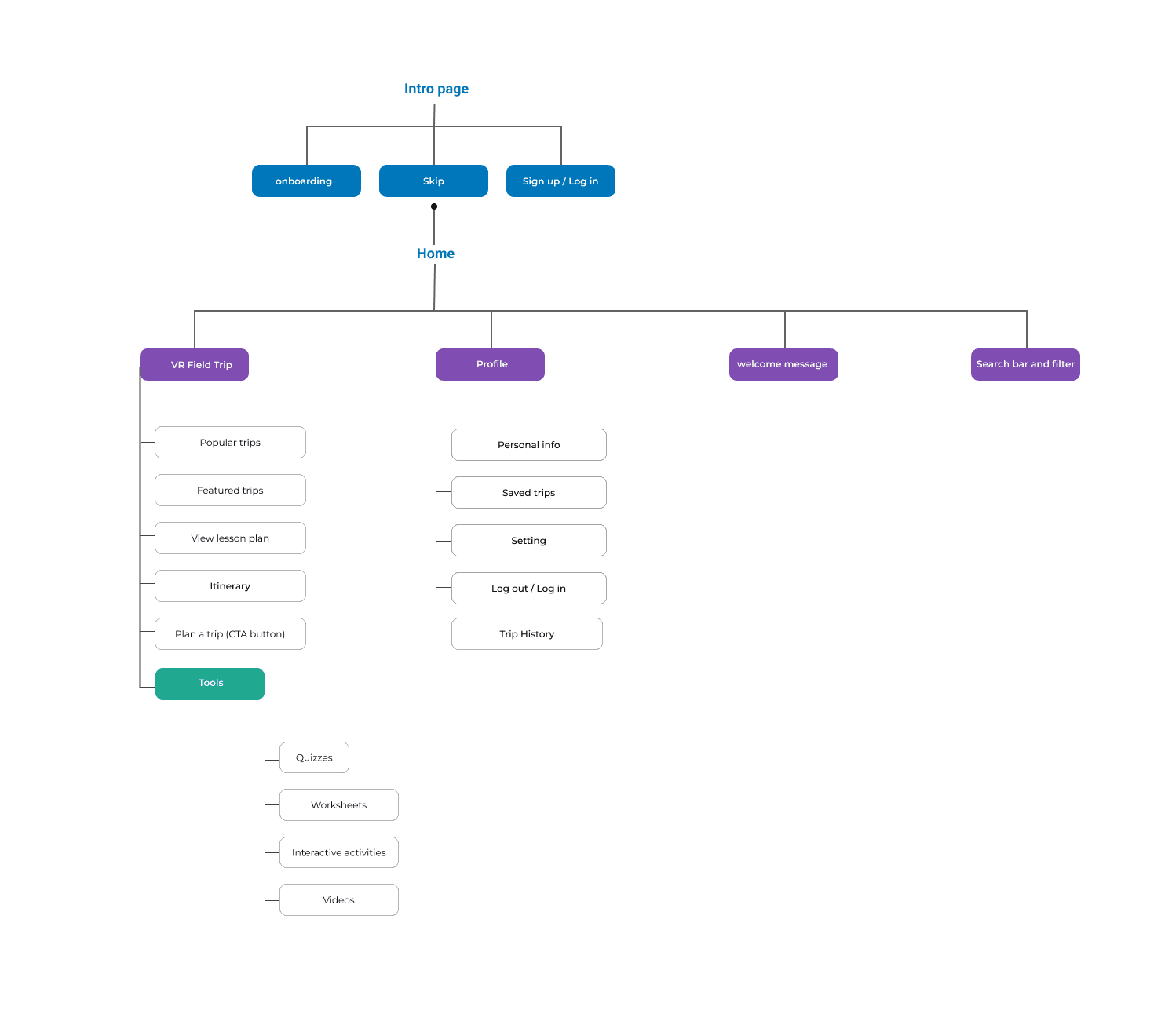
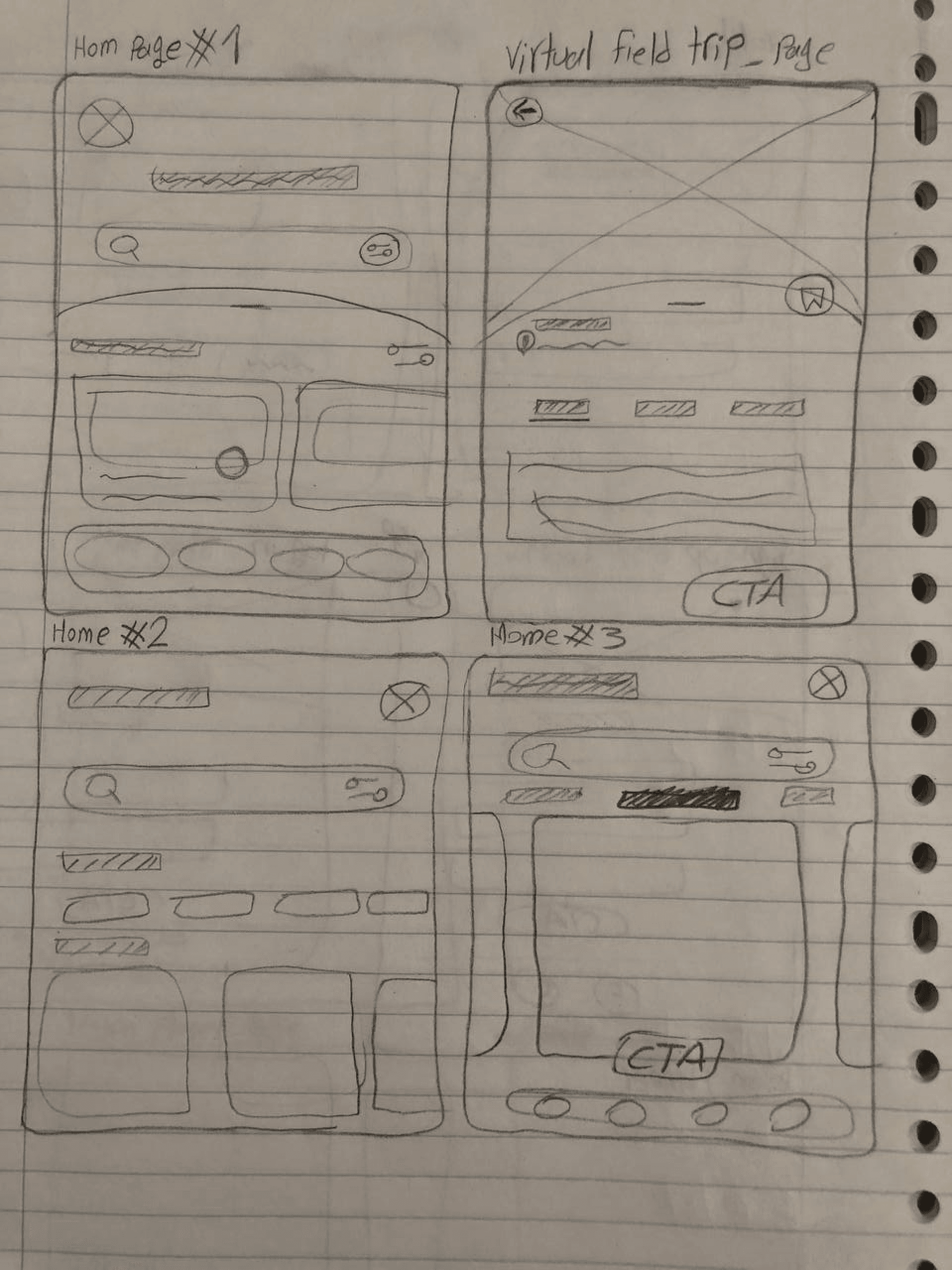
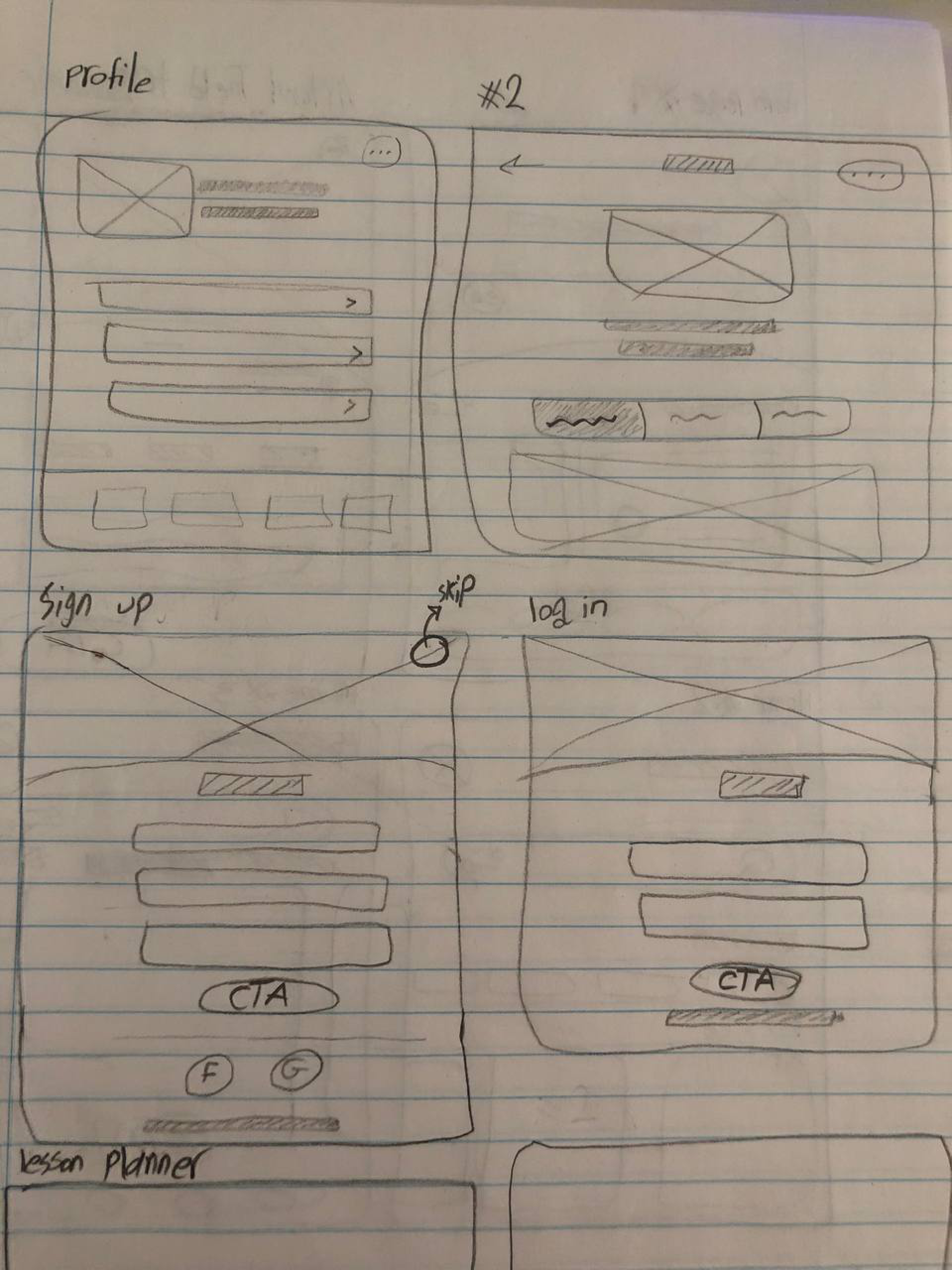
I started with low-fidelity wireframes to explore layout options for the core screens: home, trip browsing, VR preview, and onboarding. These rough layouts helped validate the navigation model from the information architecture before investing in visual detail.
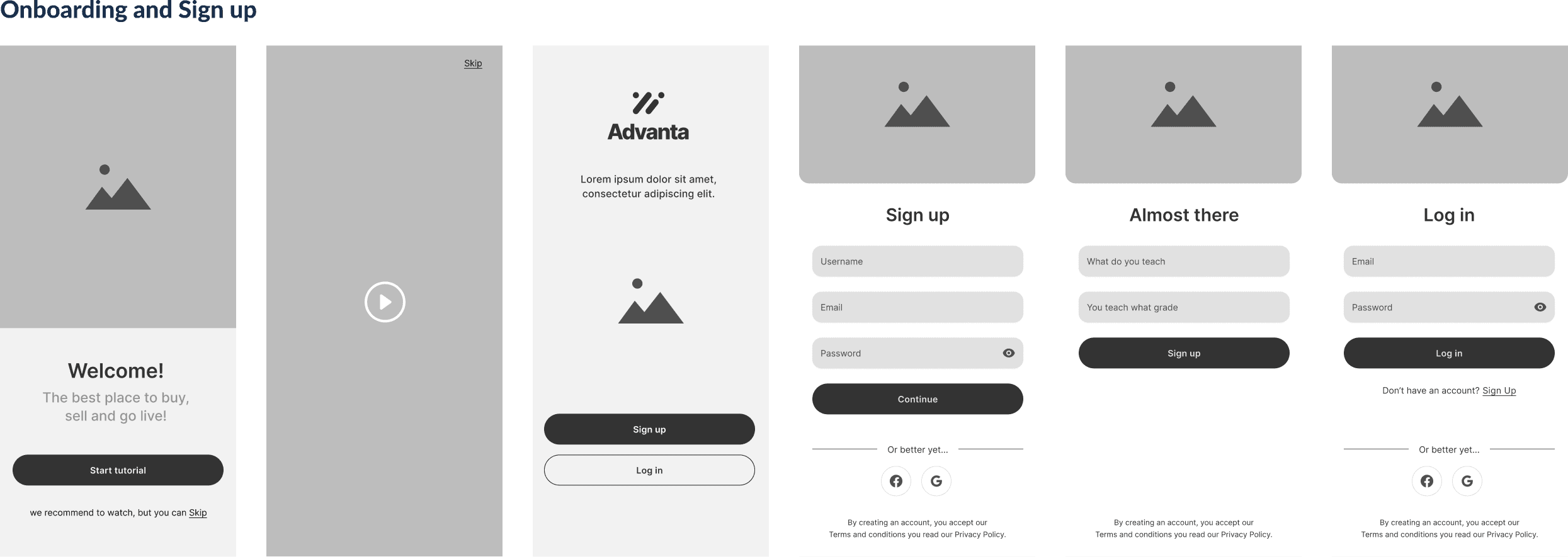
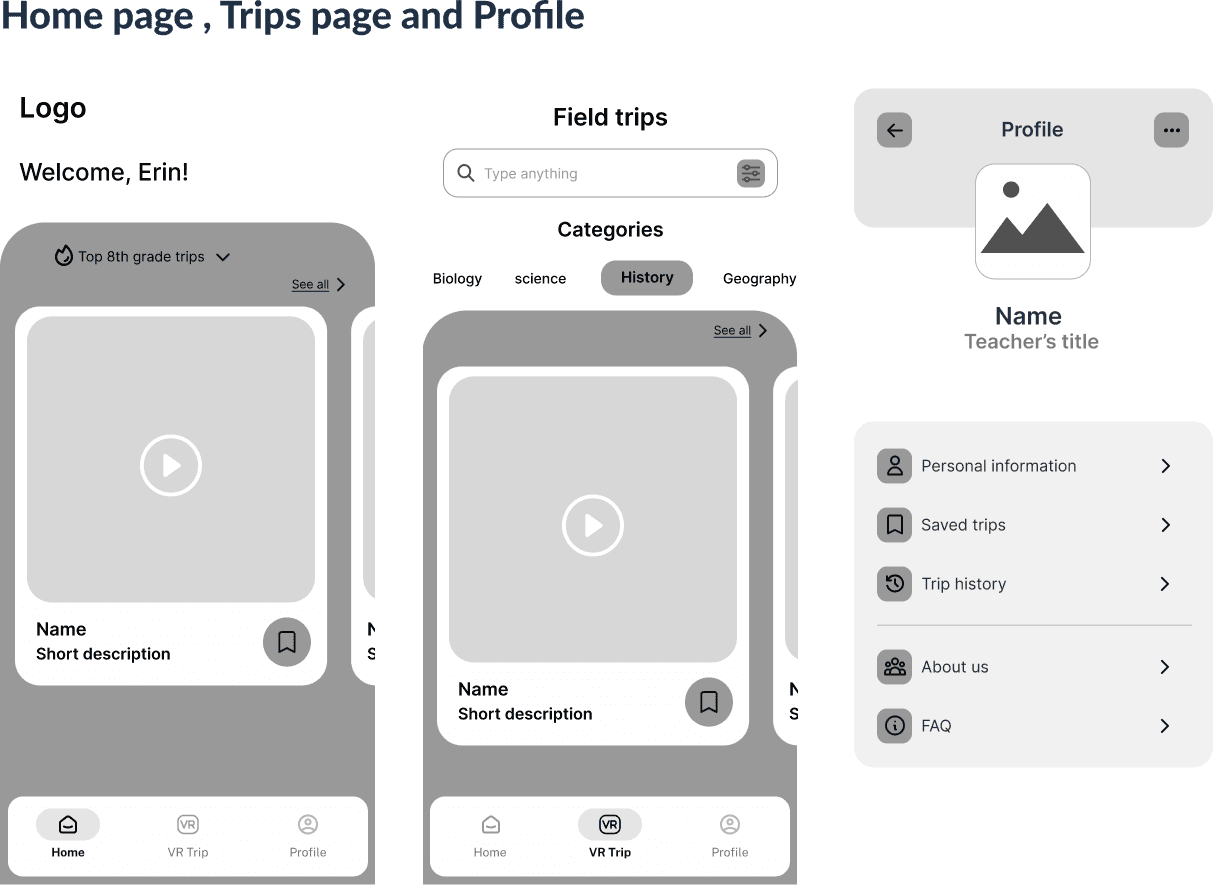
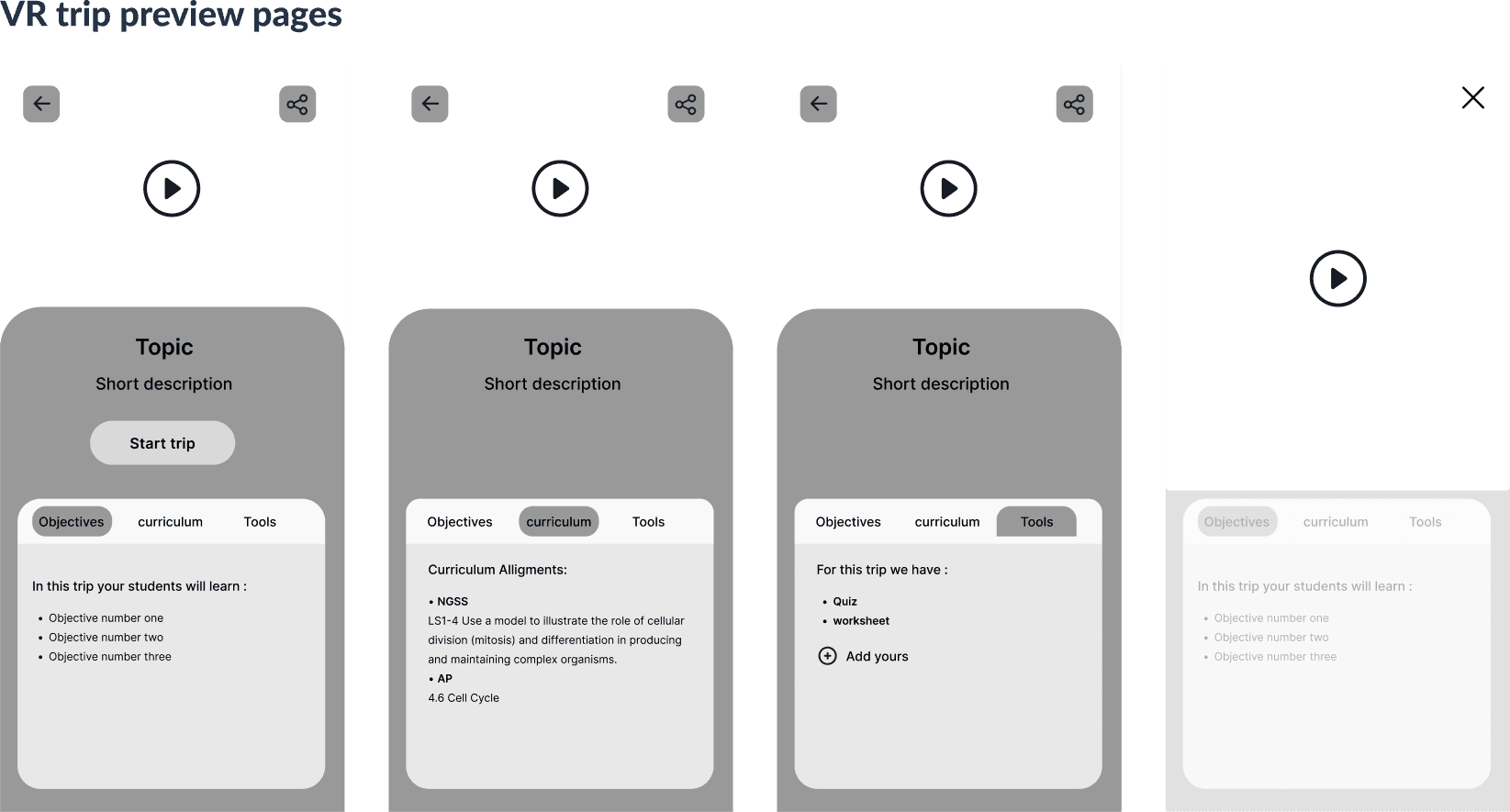
Mid-fidelity wireframes refined the structure, adding content hierarchy, interaction patterns, and screen-to-screen flows. I focused on three key areas: onboarding, core pages, and the VR trip preview experience.
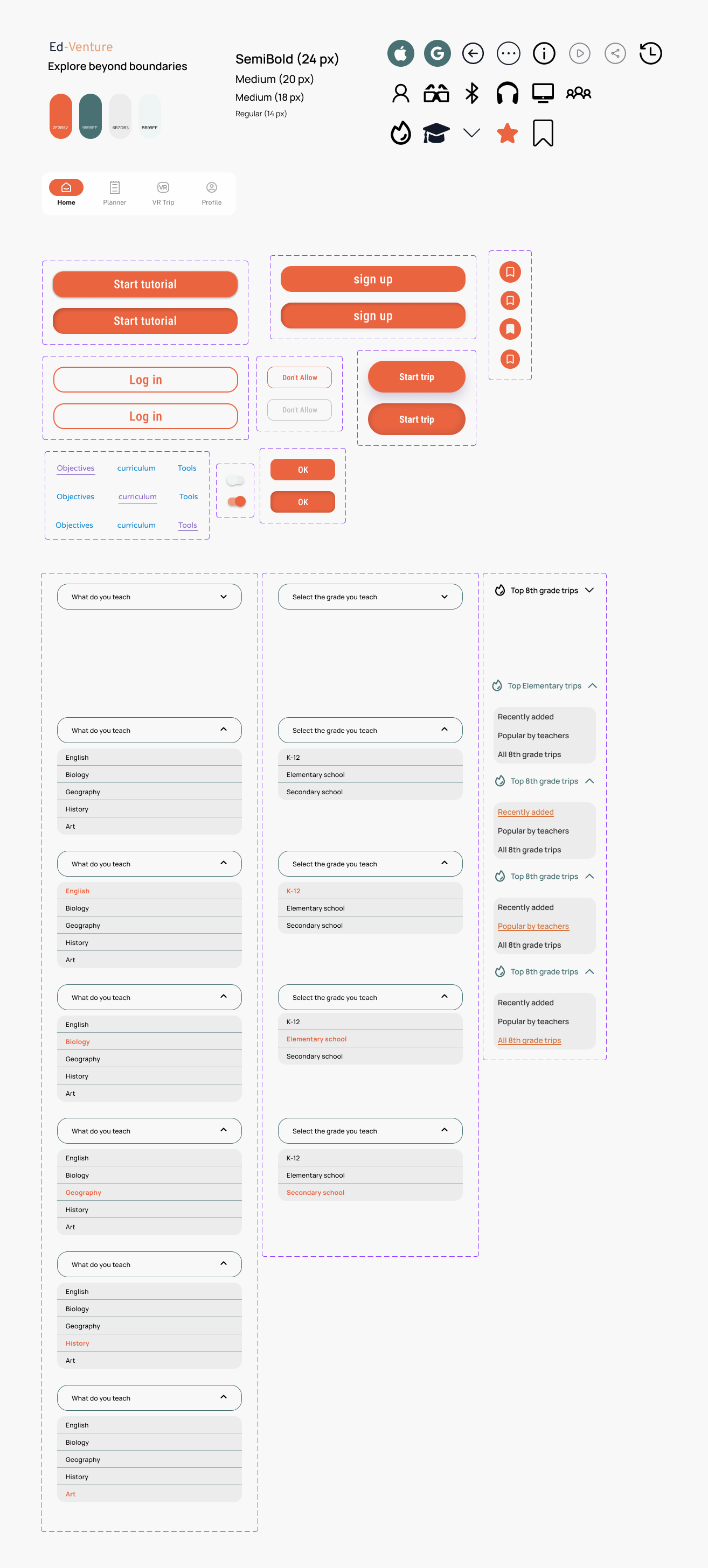
I developed a visual style guide to establish the design language, including a color palette inspired by nature and exploration, paired with clean typography that communicates trust and accessibility for an educational context.
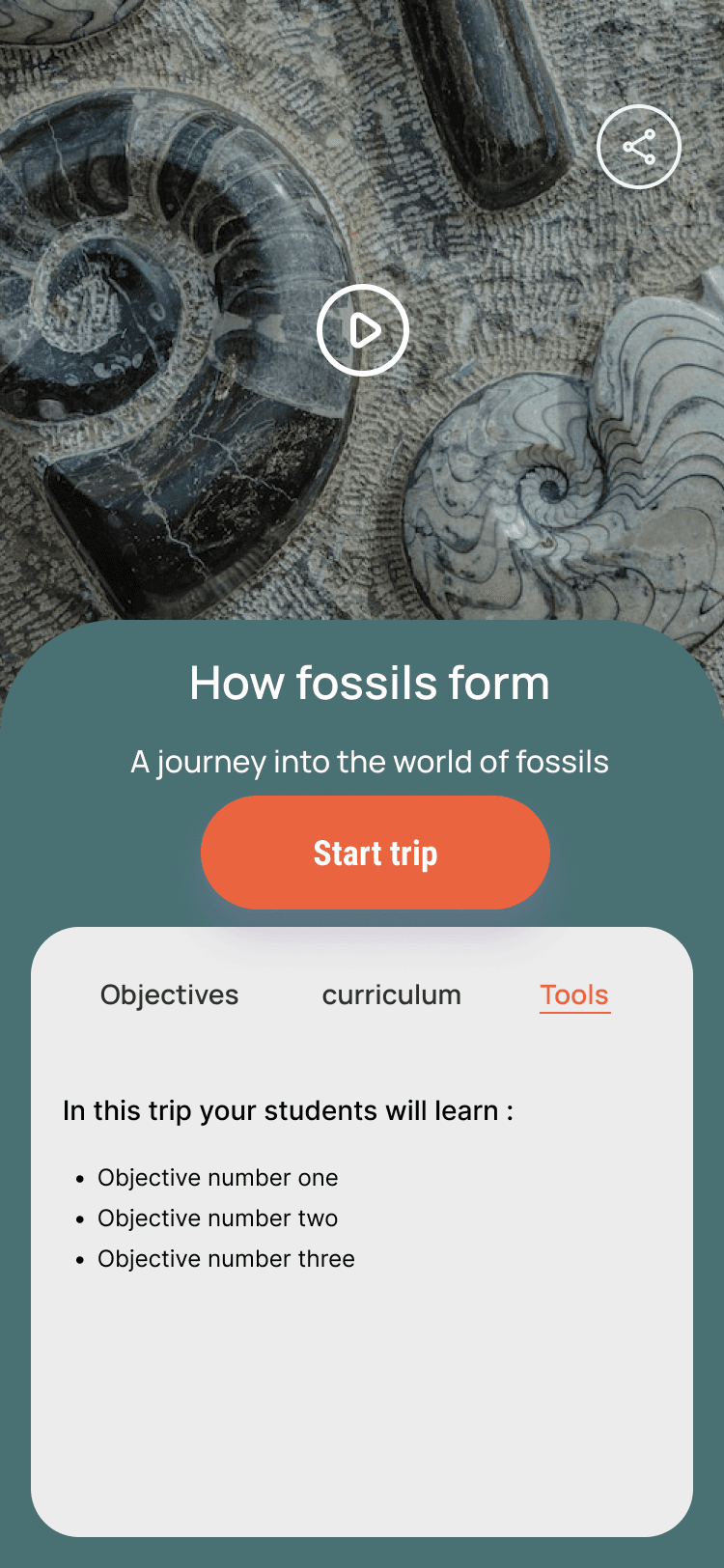
Teachers can preview any VR field trip before assigning it to their class. Each preview includes learning objectives, curriculum alignment tags, and a list of required tools, so teachers know exactly what students will experience and how it fits their lesson plan.
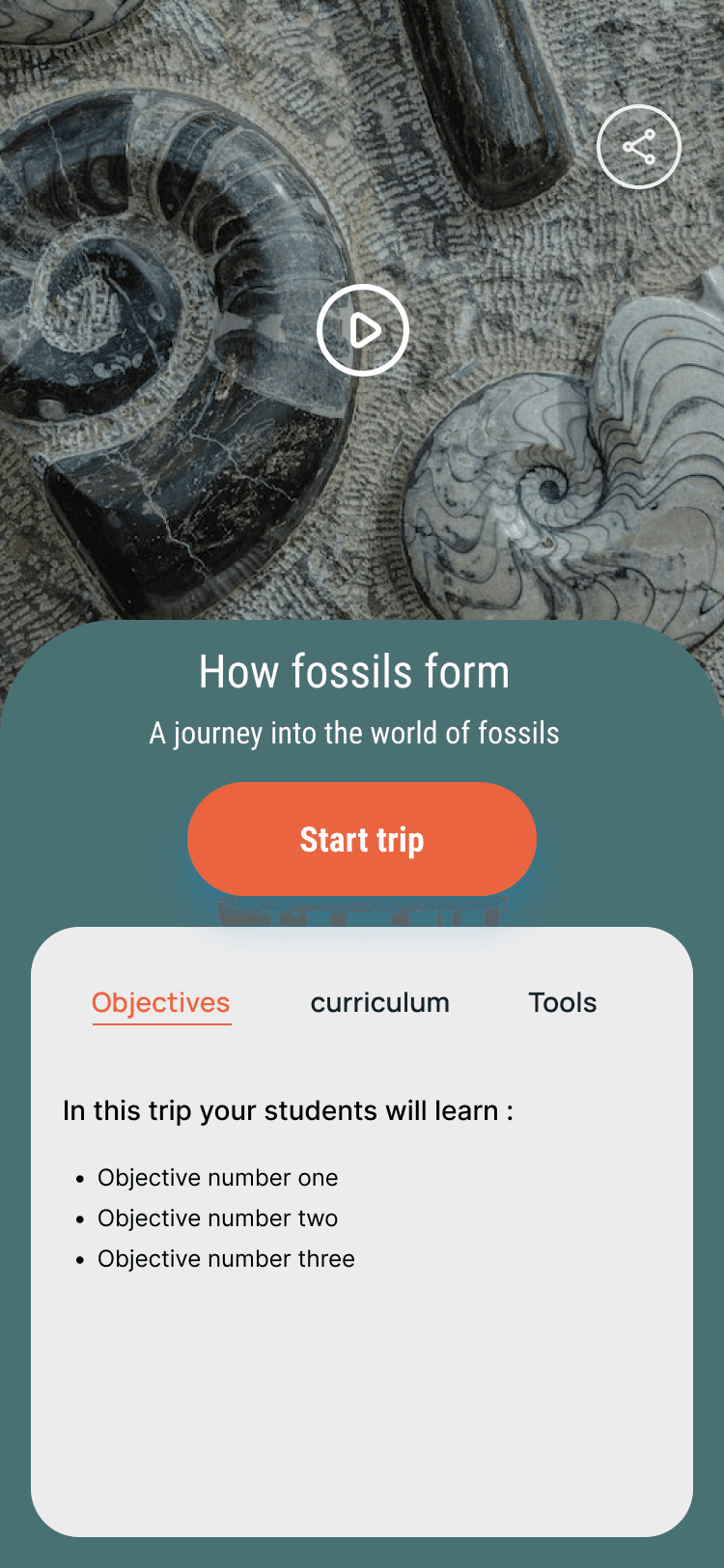
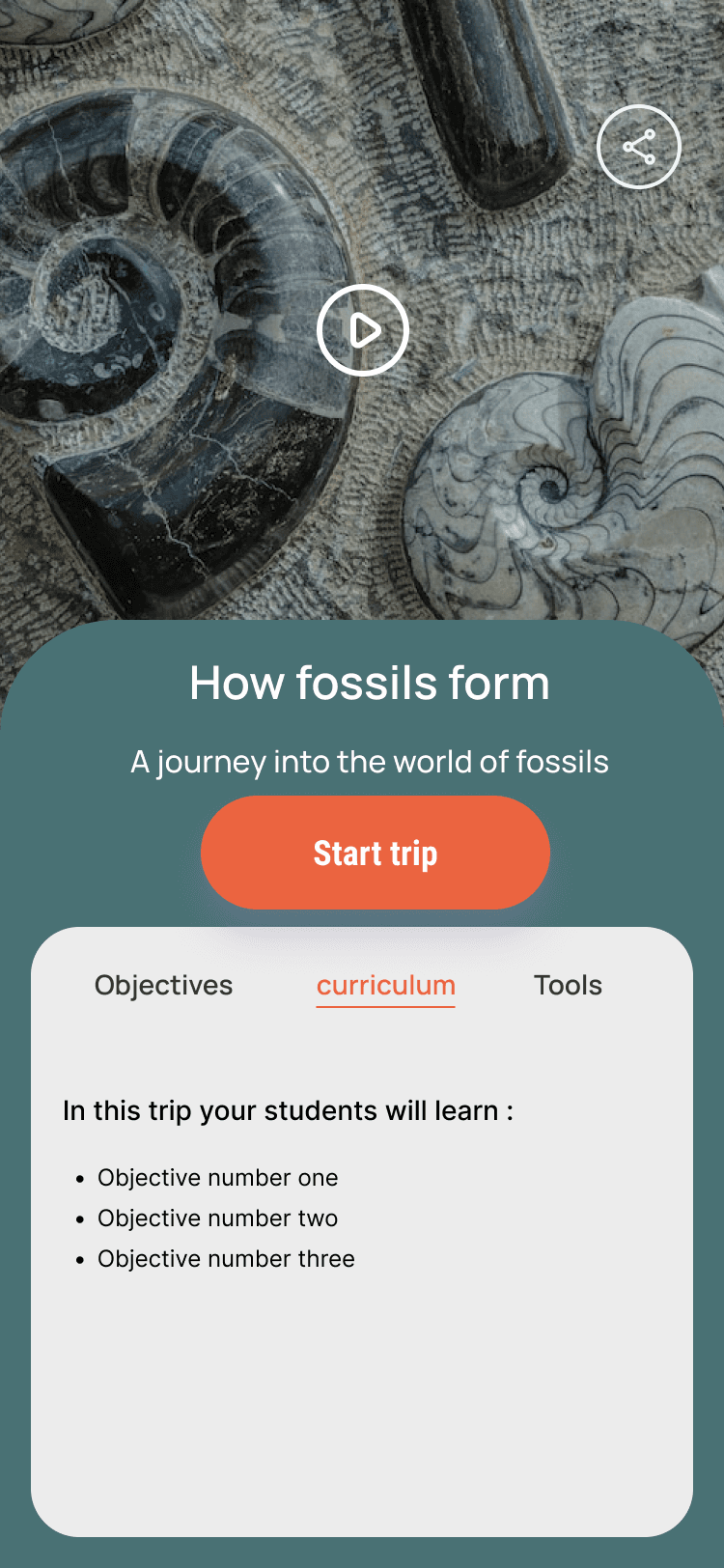
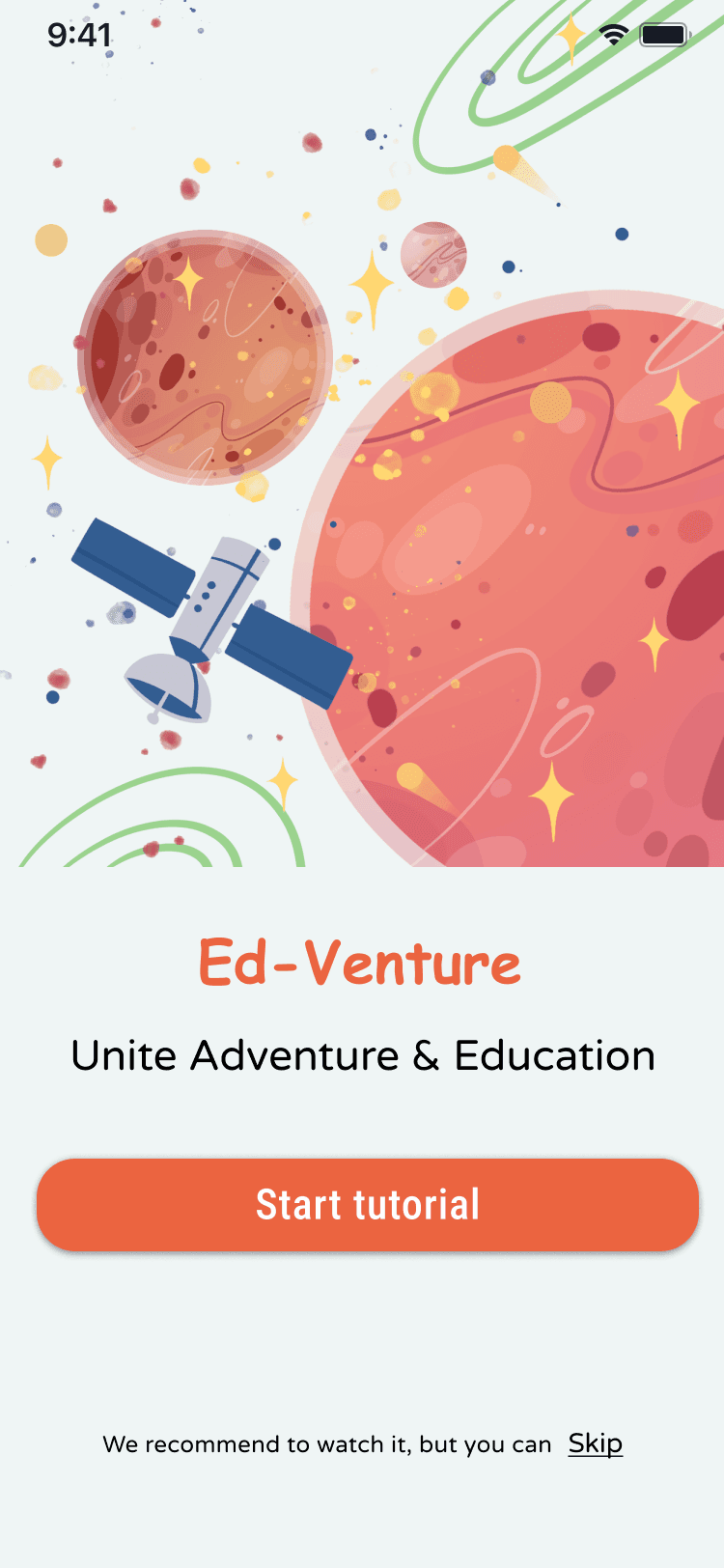
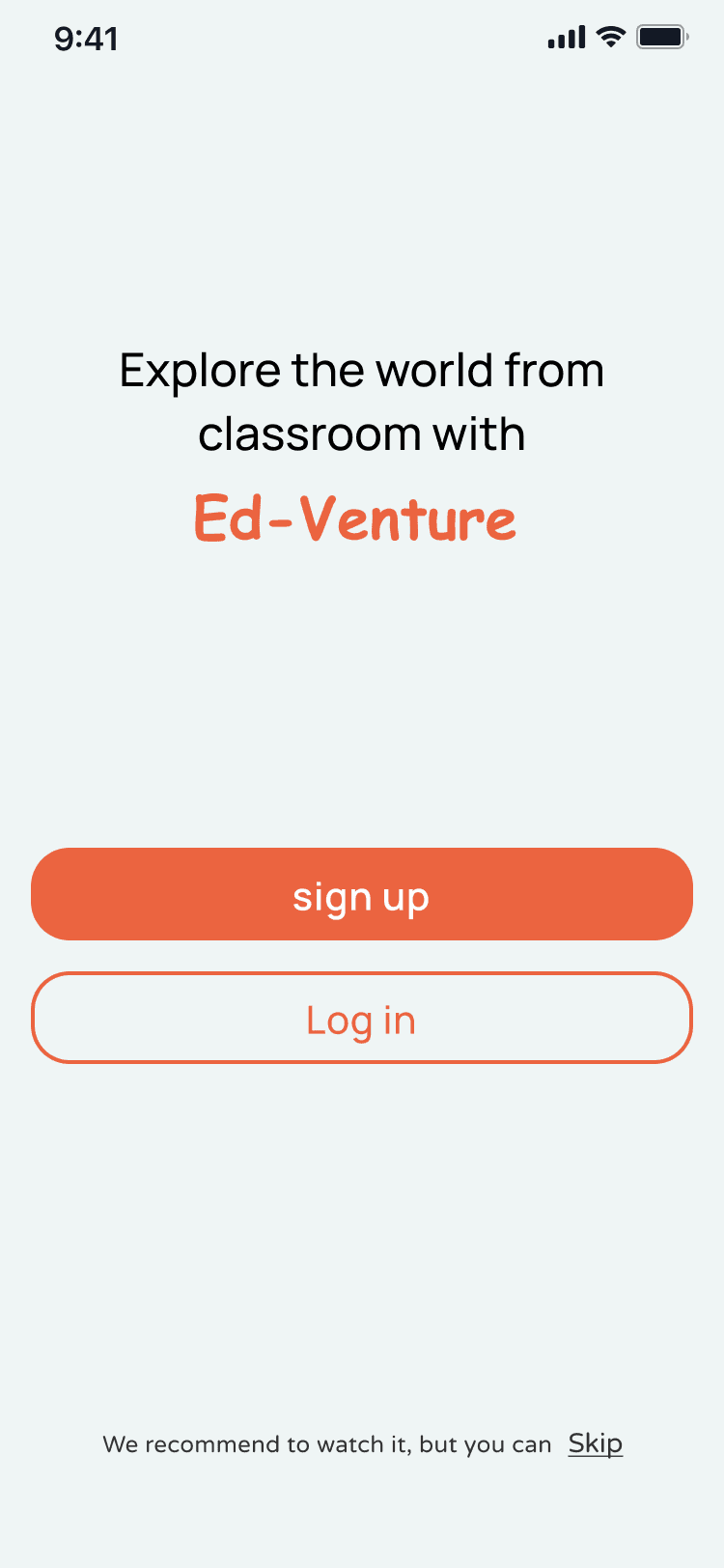
The onboarding flow guides teachers through account setup and class creation in minimal steps. Once configured, launching a VR trip to an entire class takes a single tap, reducing the gap between discovery and classroom use.
A searchable library of VR field trips organized by subject, grade level, and curriculum standard. Teachers can browse trips on the home screen, explore detailed trip pages, and manage their profile with saved favorites and class history.
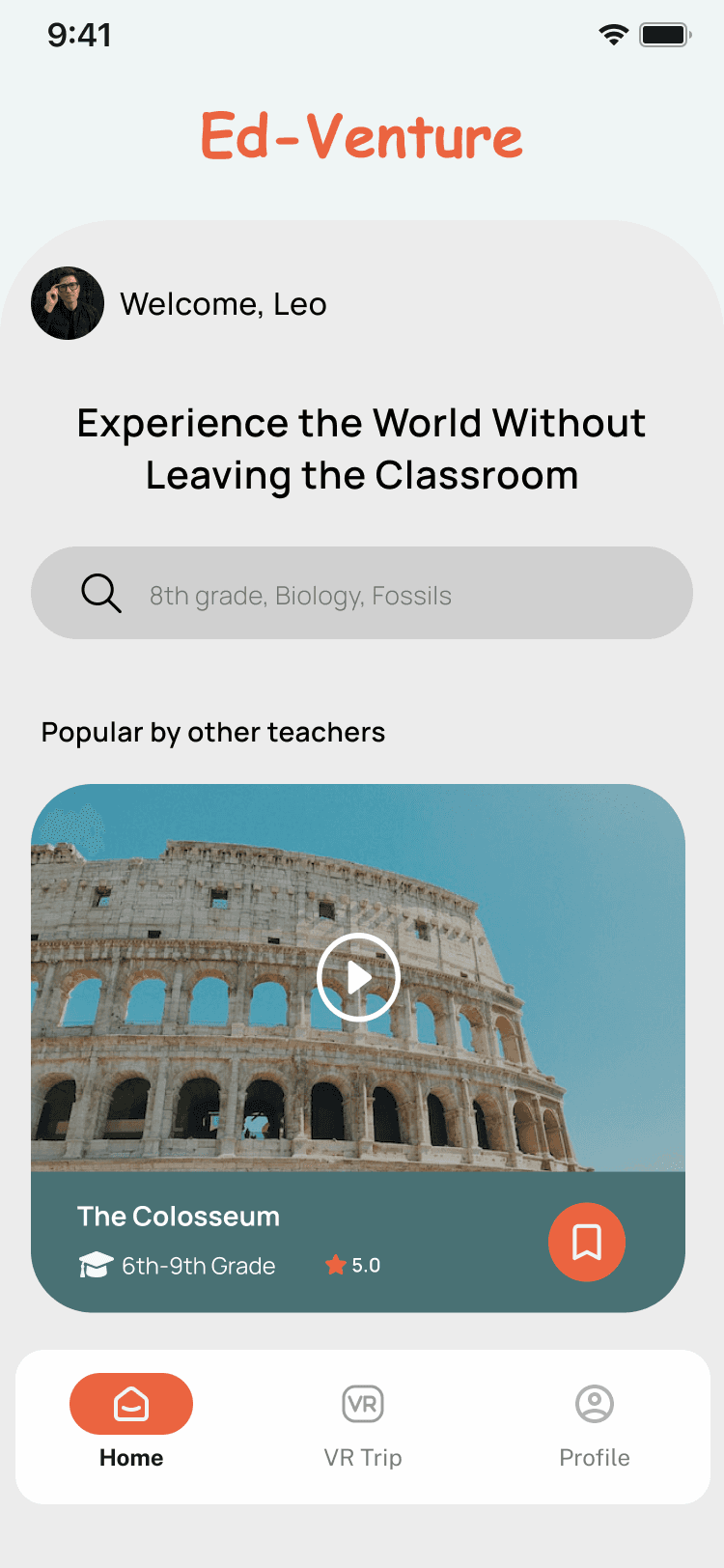
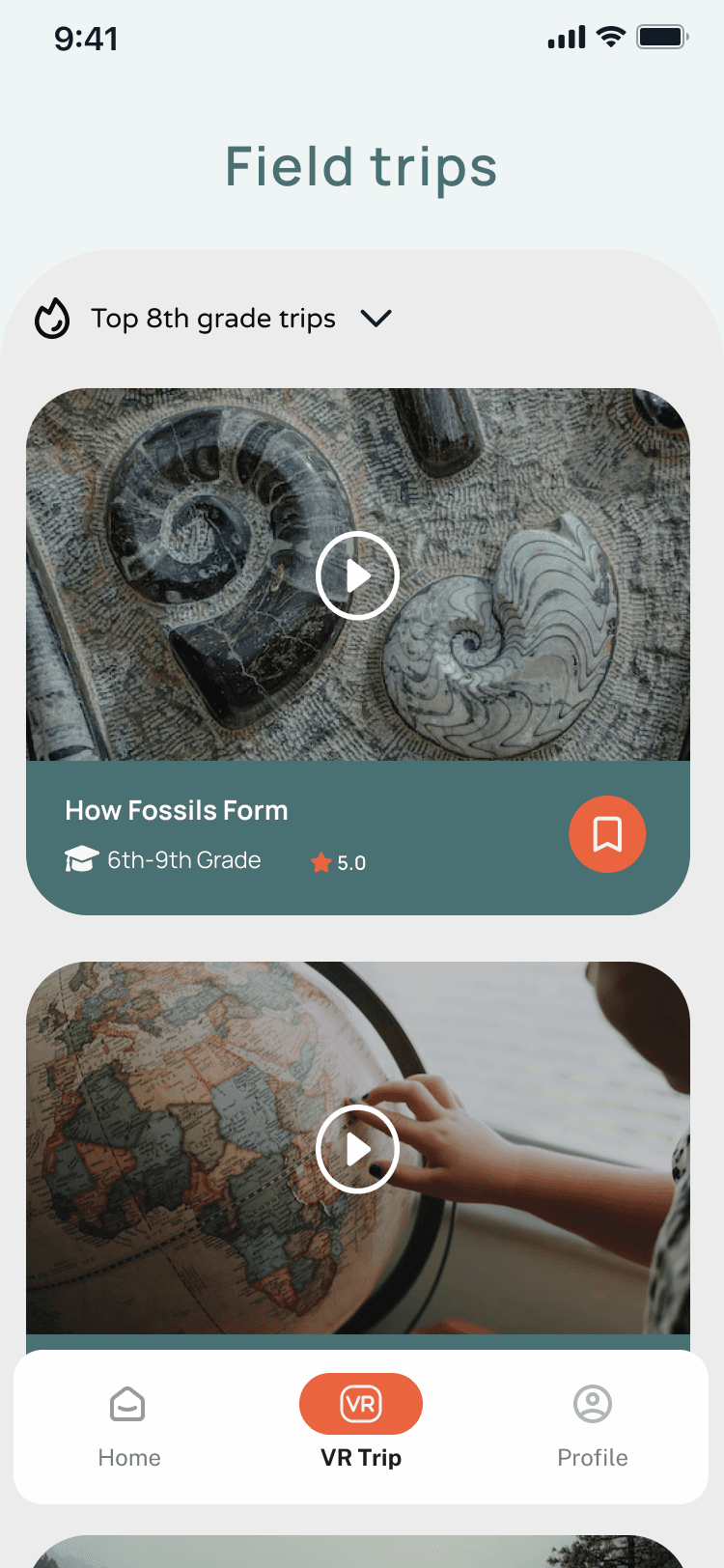
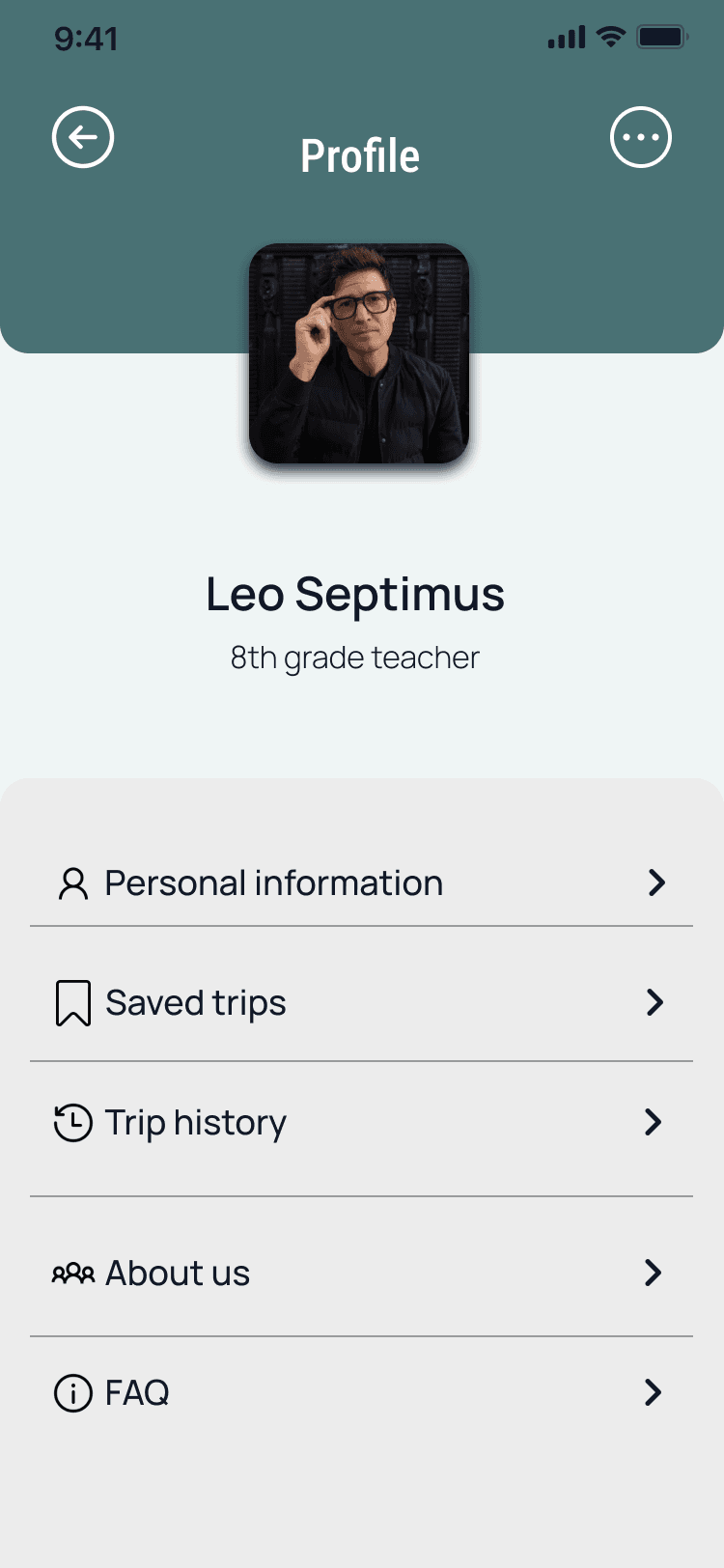
Usability testing confirmed that participants found the app “simple and easy to use” — though I recognized that testers familiar with mobile apps may not fully represent all teachers. A broader study with educators of varying tech comfort levels would strengthen these findings.
4
Competitive products analyzed
3
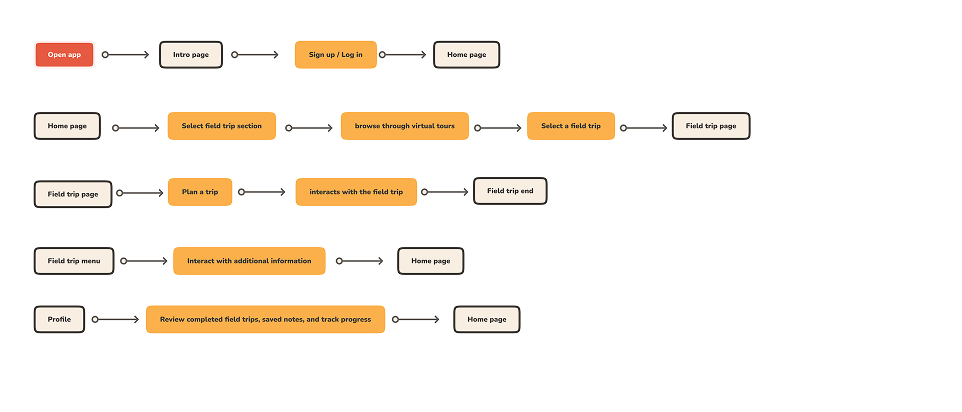
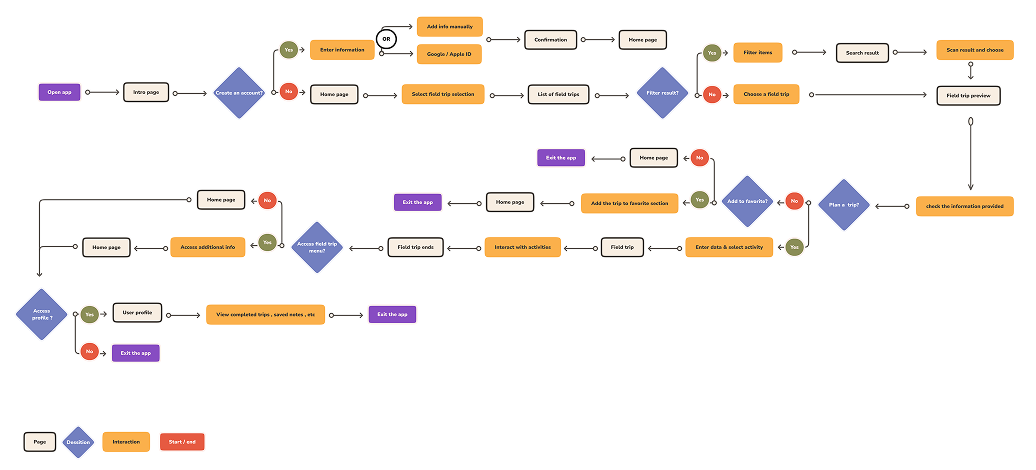
Core user flows designed
1
Primary persona developed
If I revisited this project, I'd invest in real VR prototyping to test the immersive experience itself, explore LMS integration for seamless grade-book sync, and conduct classroom testing with actual teachers and students.